Android v1.6 · 20 Sep 2026
iOS v1.1 · 20 Sep 2026
What's new
Books that are only an EPUB, a chart of where your time goes, and the sleep timer folded into Settings — on both platforms, behind a new shared look.
📚
Books without audio
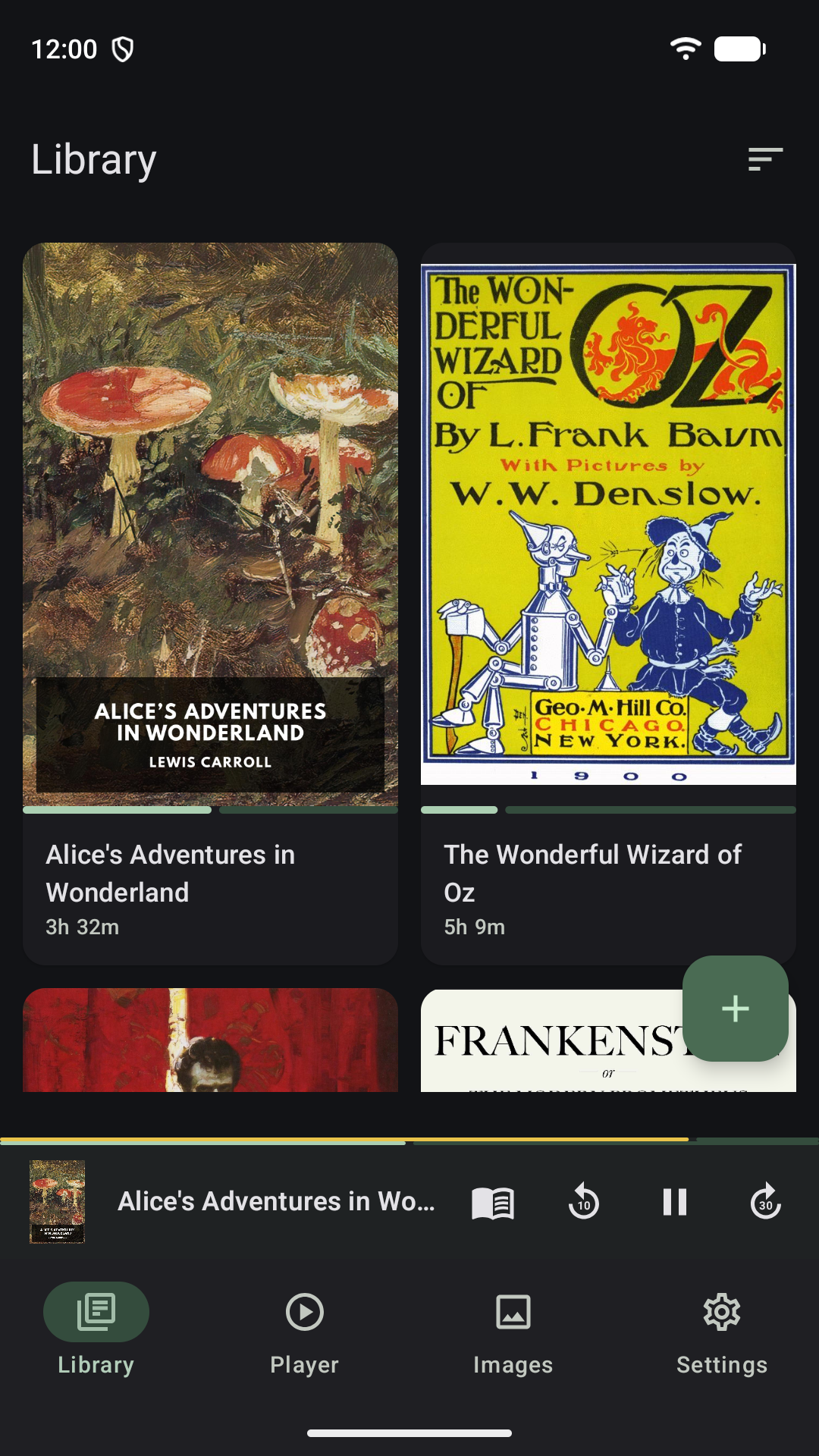
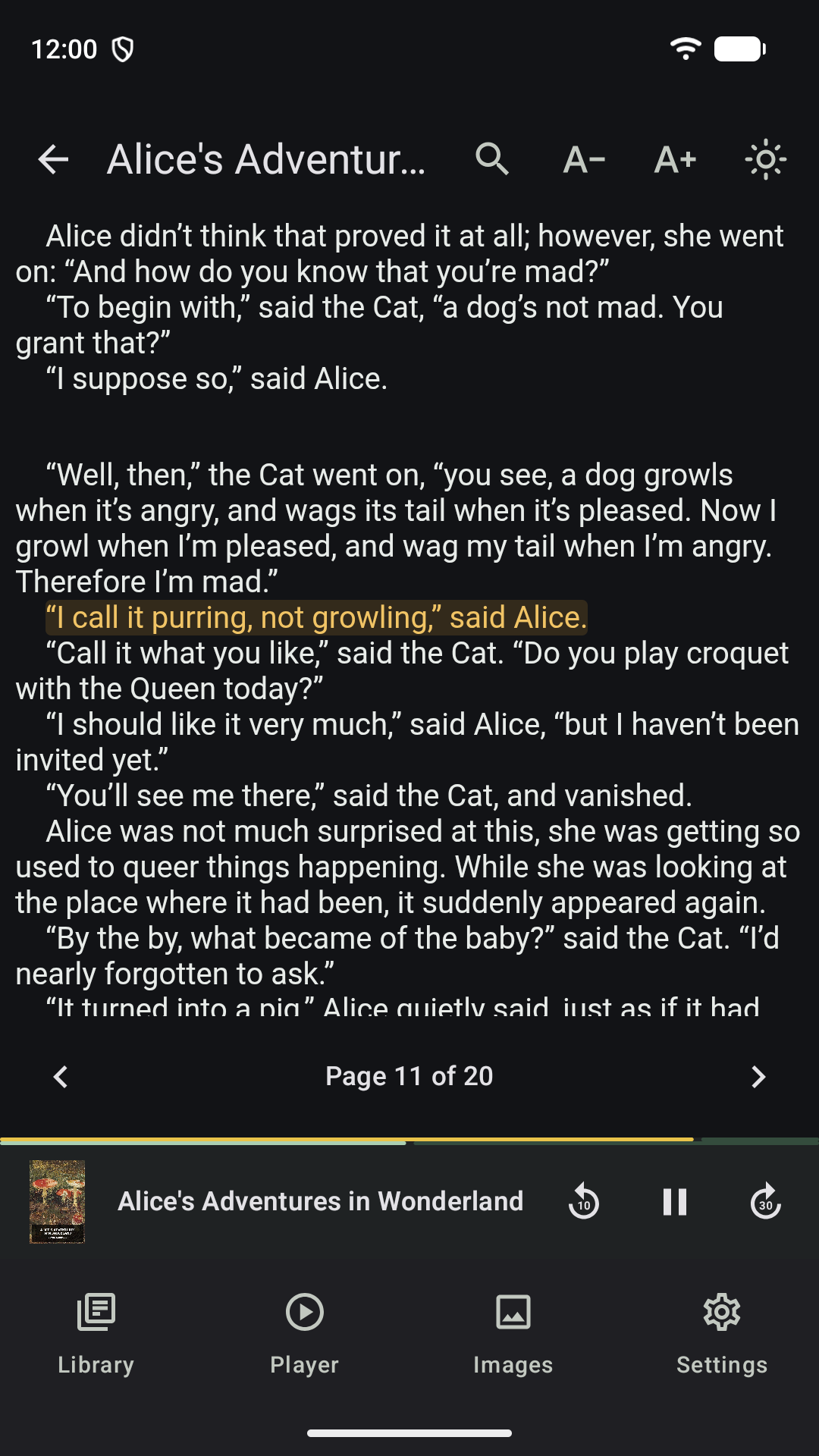
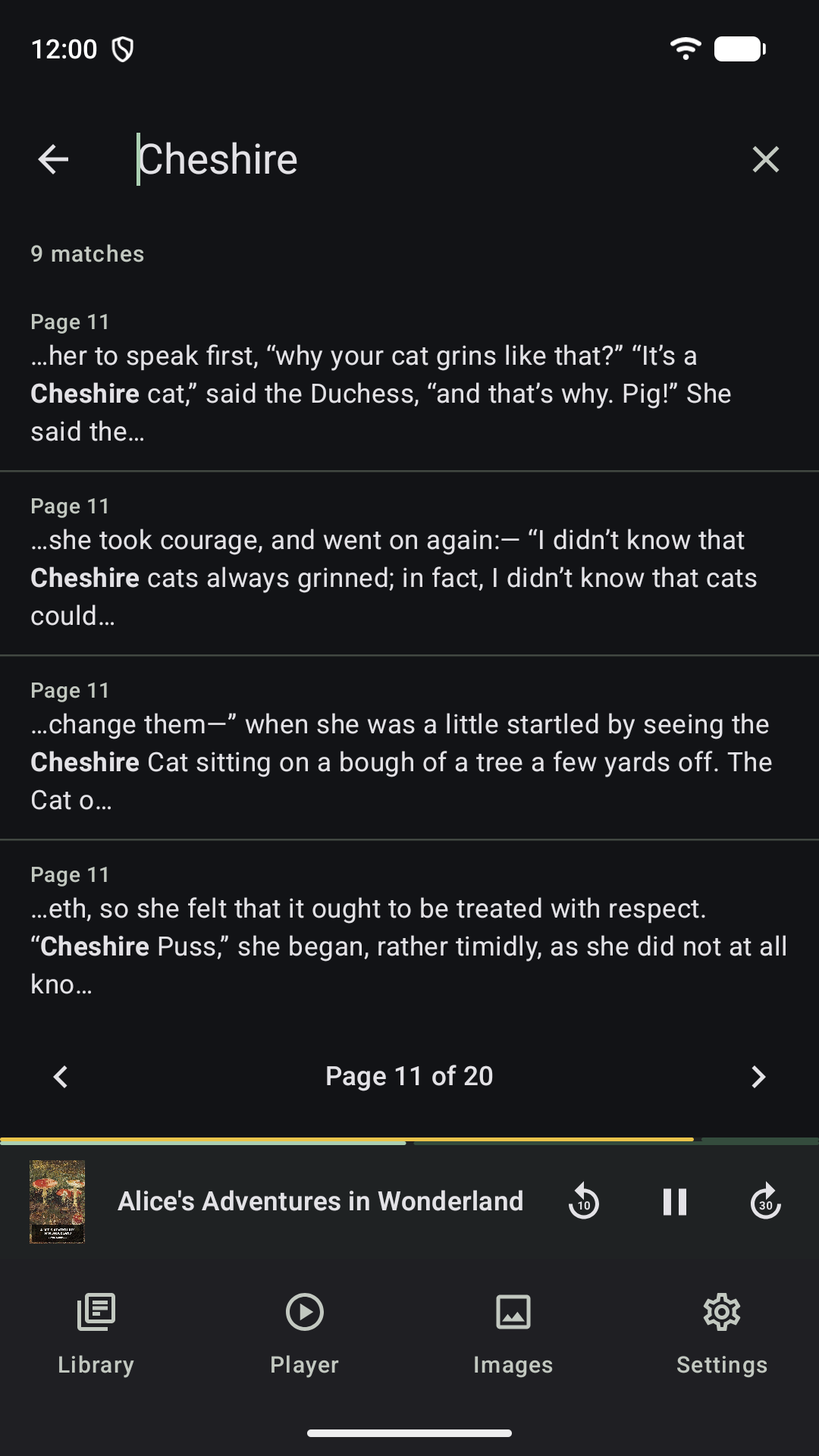
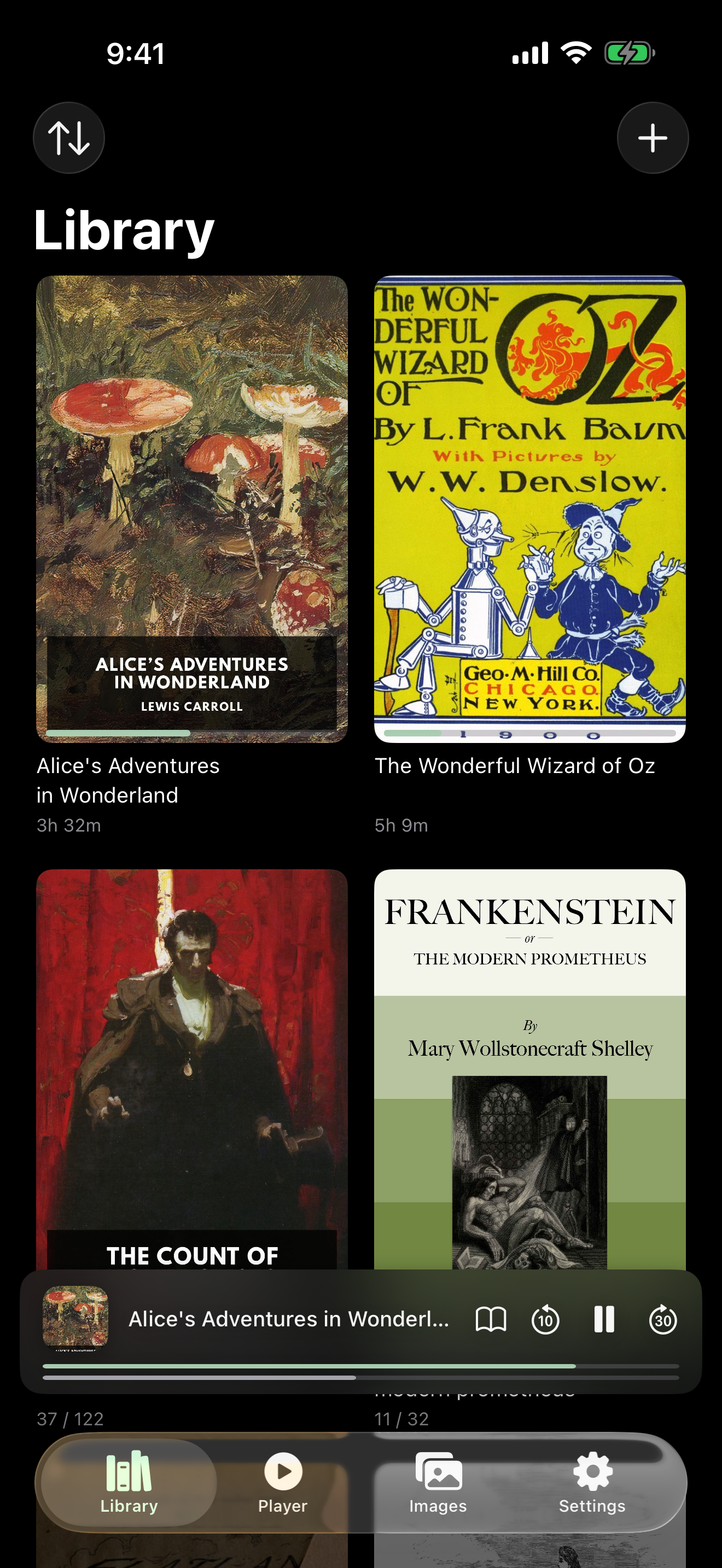
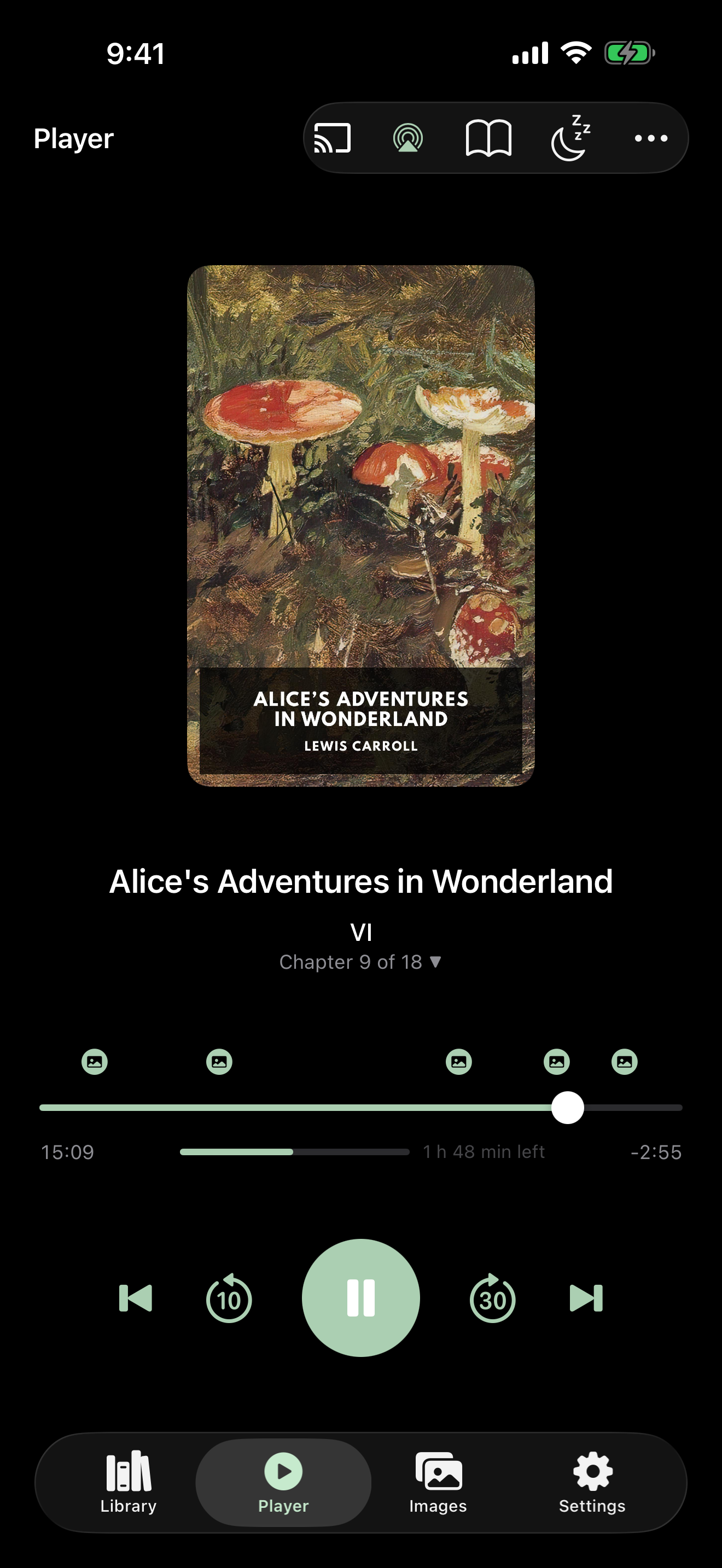
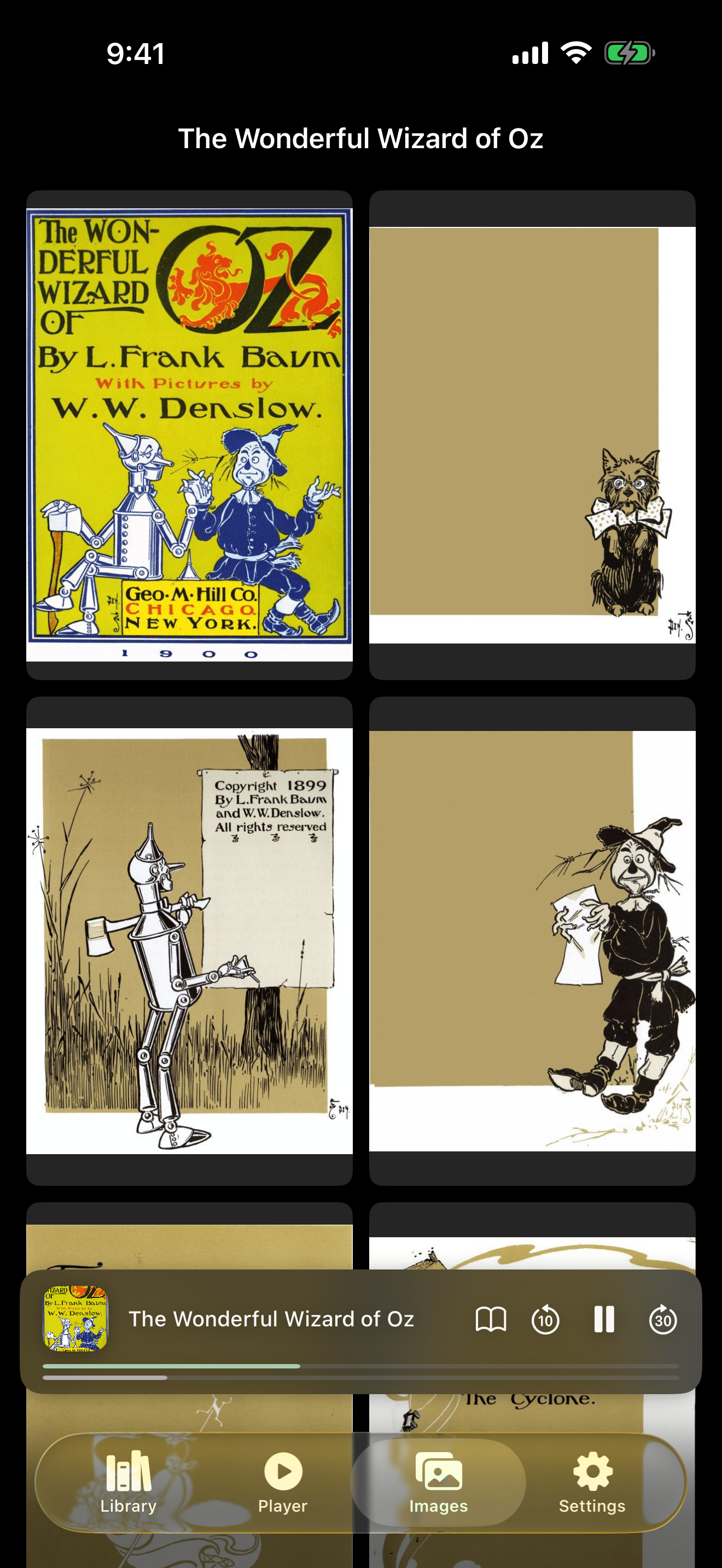
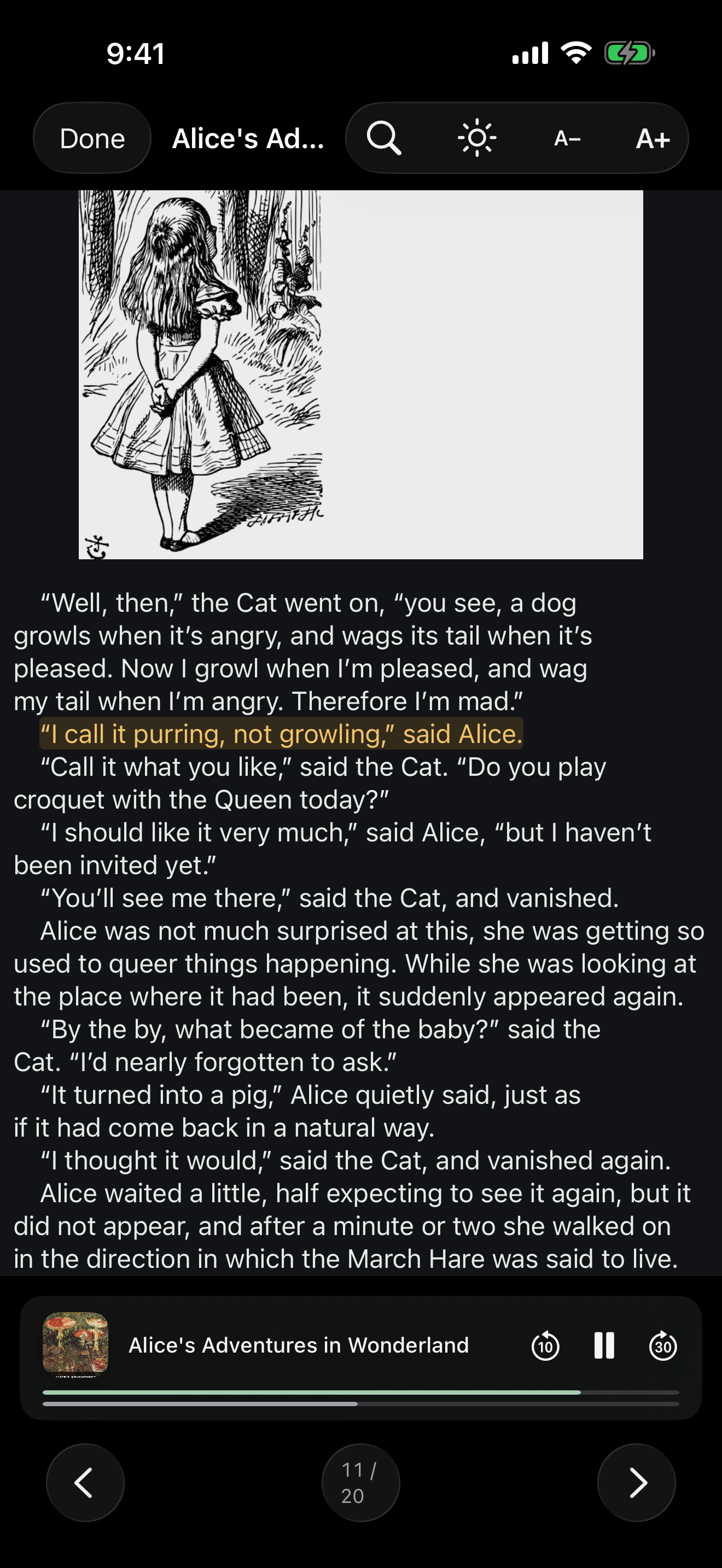
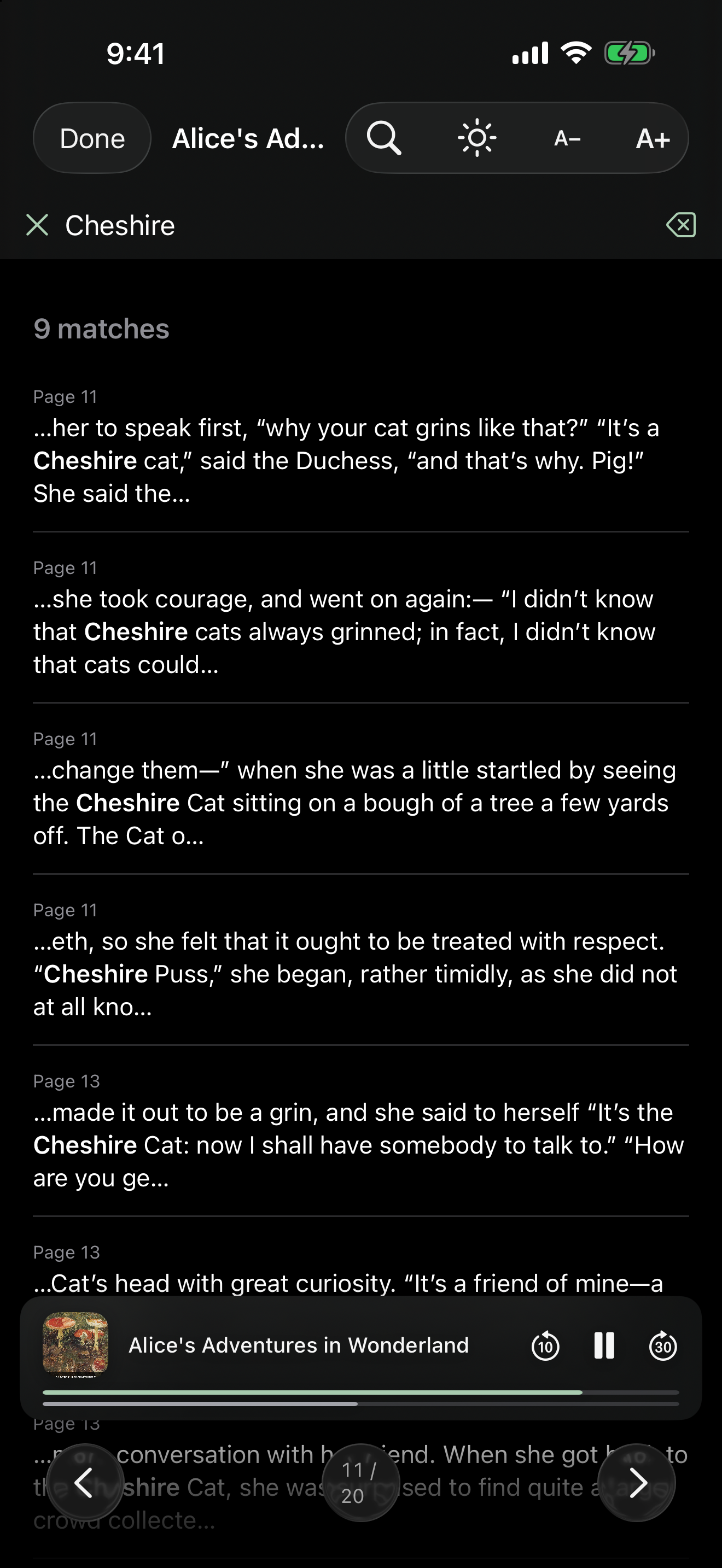
Import a plain EPUB — no narration required. A page mark keeps your place, so the book reopens exactly where you left it, and the library tile shows the page you're on instead of a running time. The mini-player stays out of the way until something is actually playing.
📊
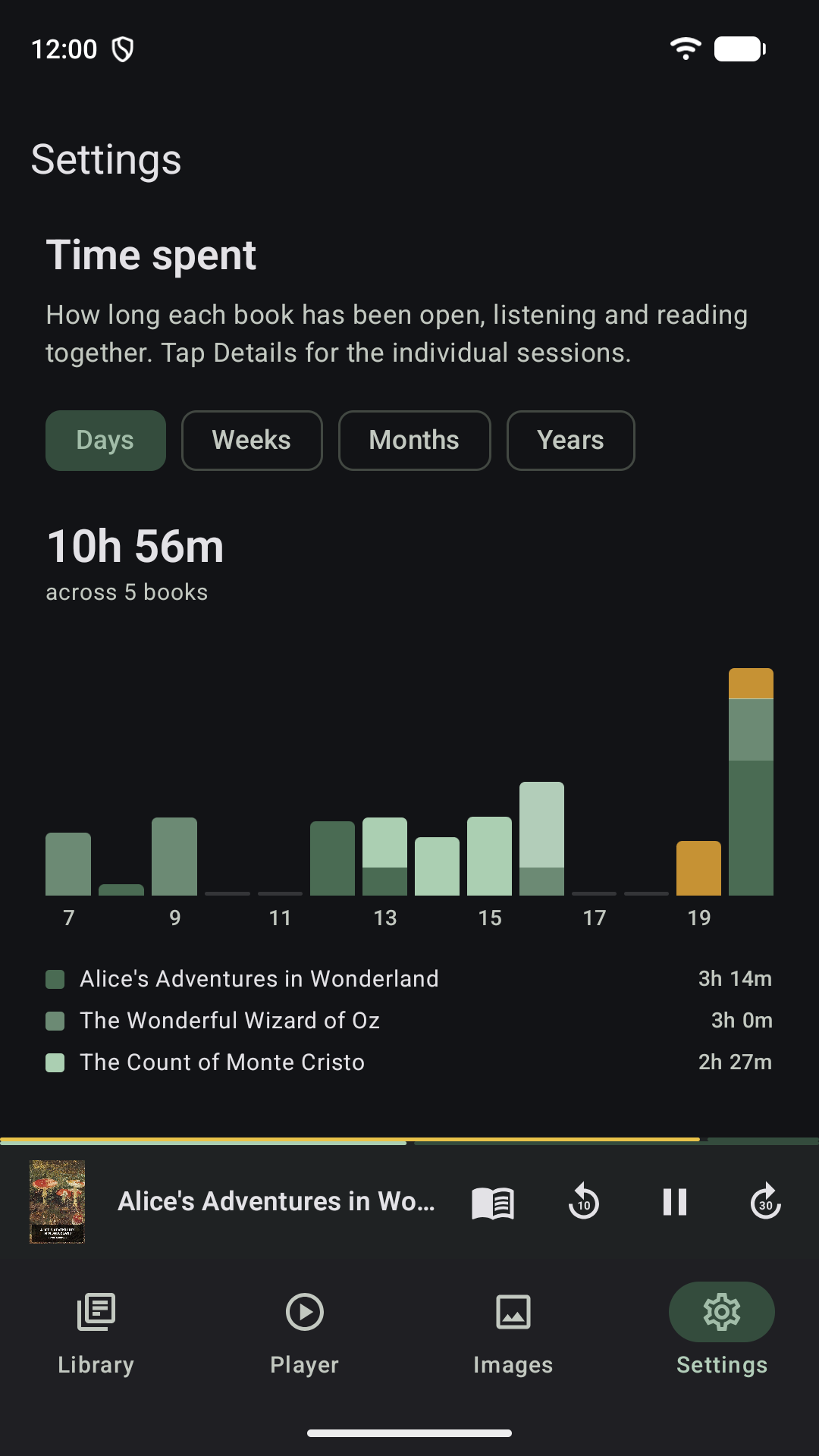
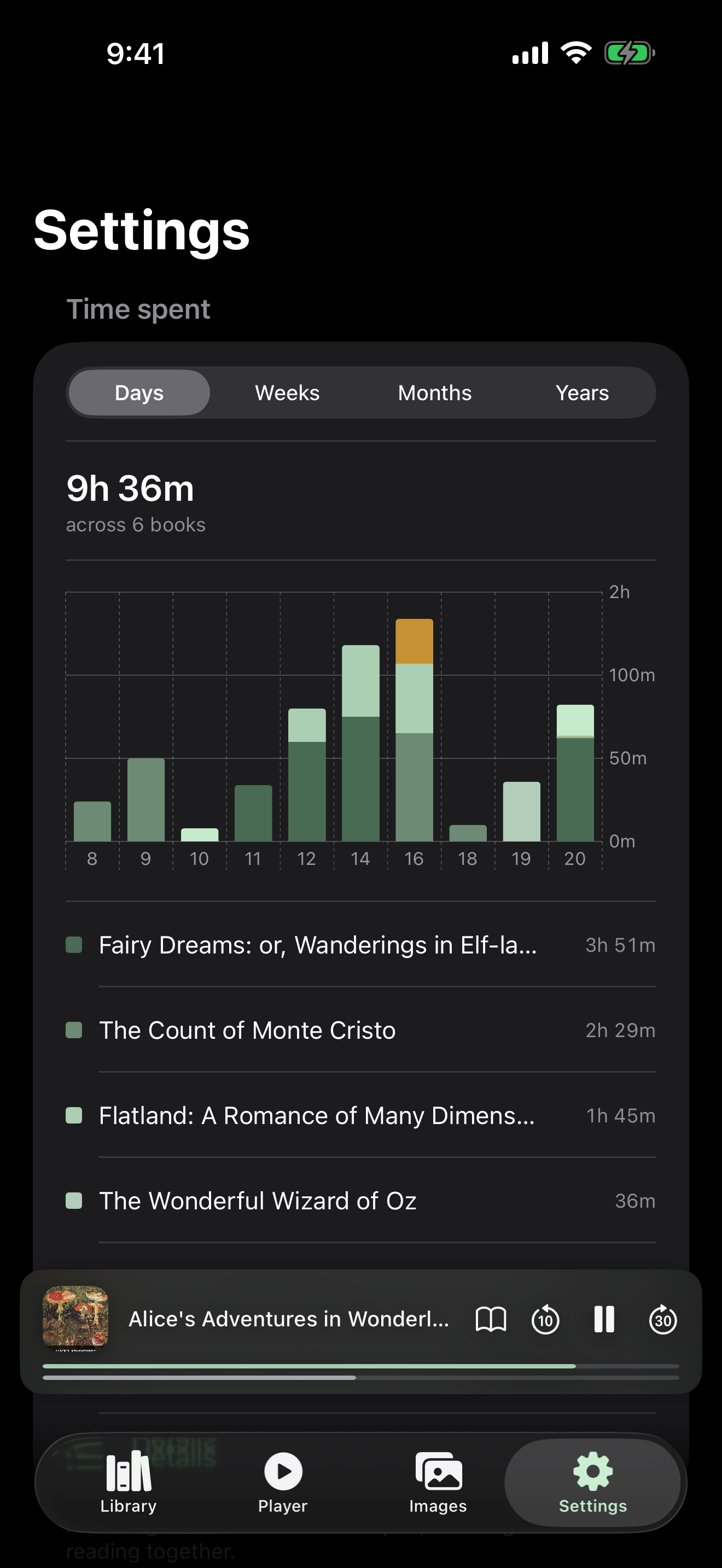
Time spent
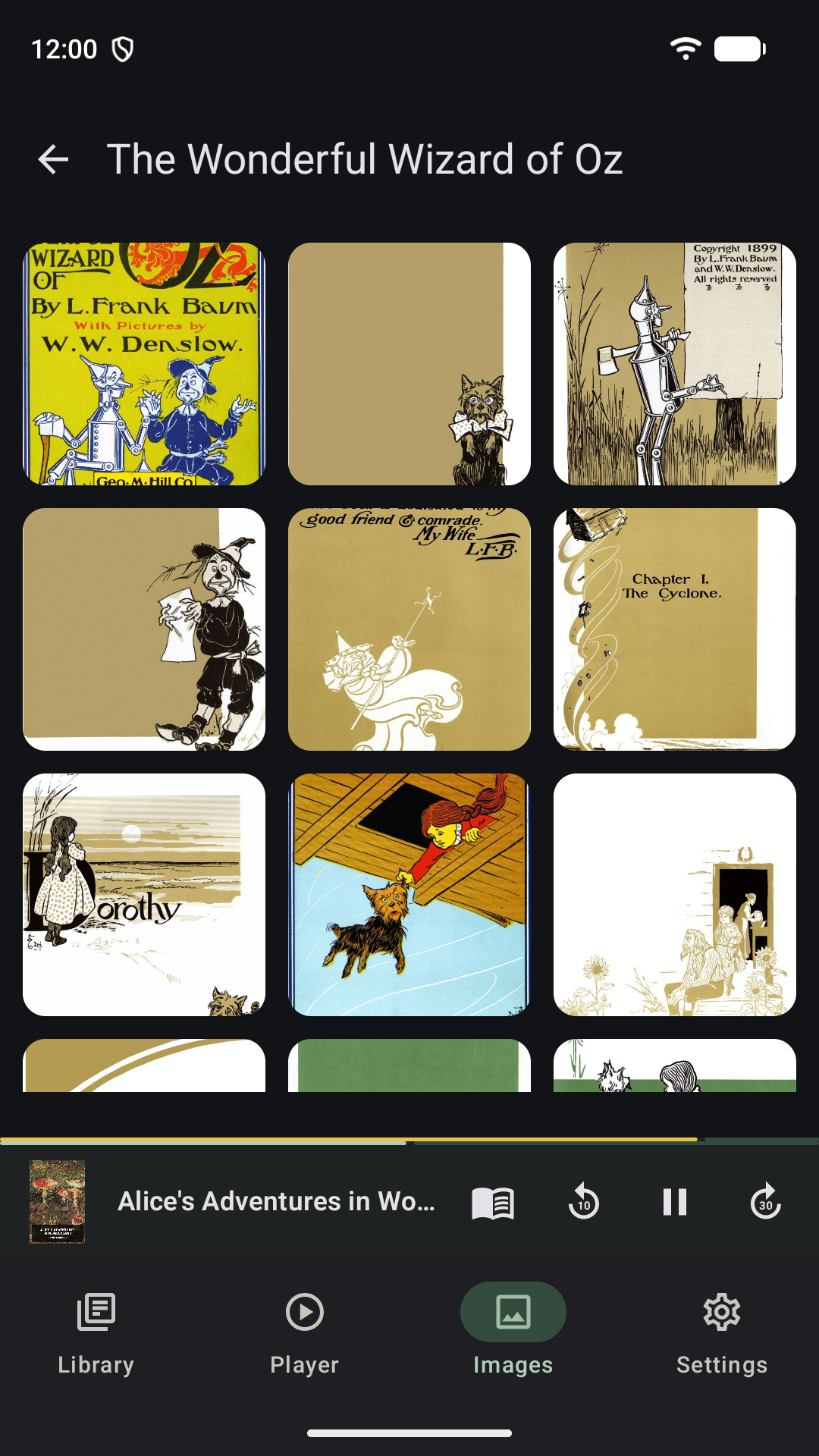
A chart of how long each book has been open — listening and reading together — by day, week, month or year. One shade per book, stacked, so a bar shows both how long a day ran and what it went on. Details opens the individual sessions, loaded a page at a time as you scroll.
⚙️
One Settings tab
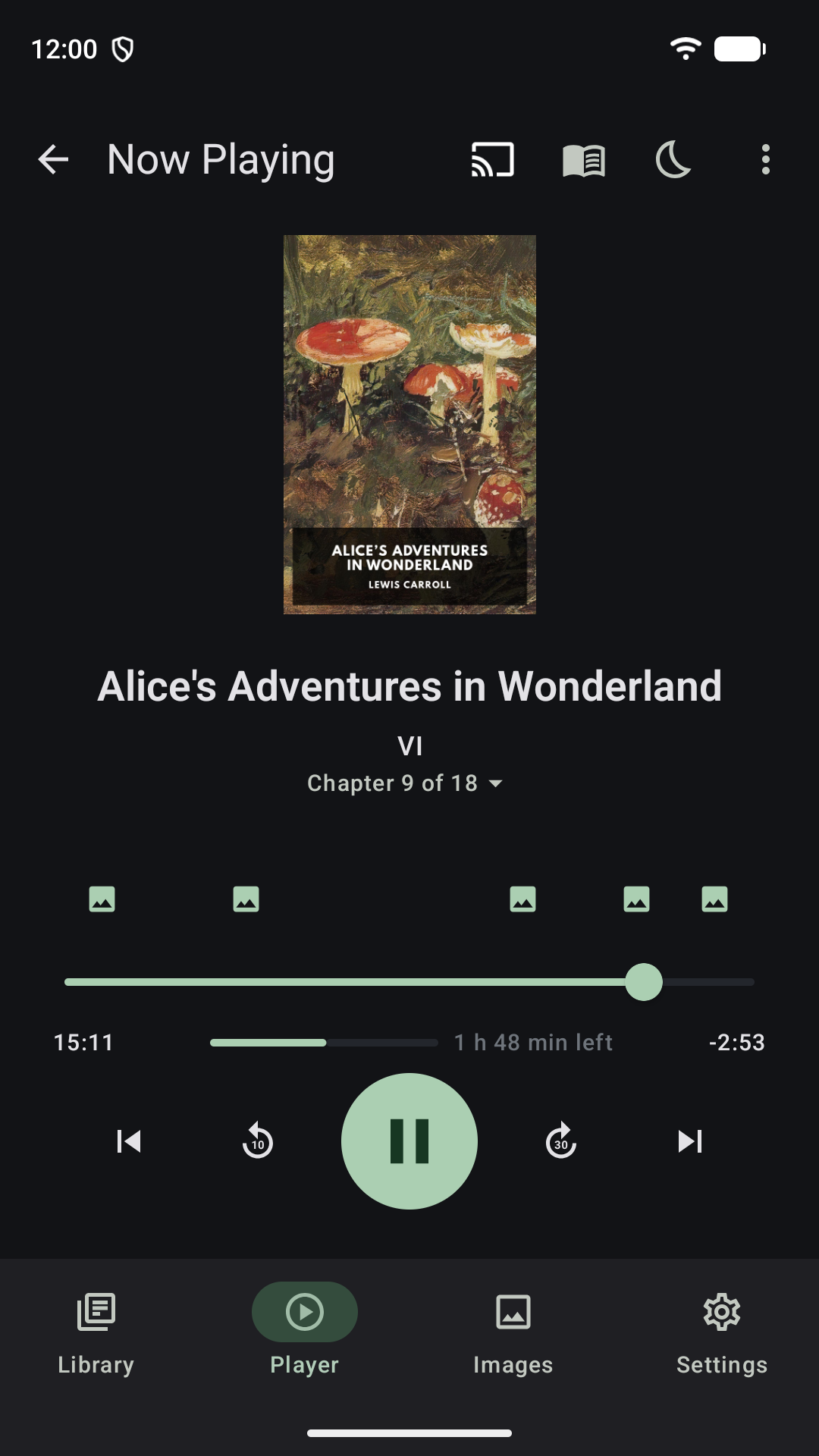
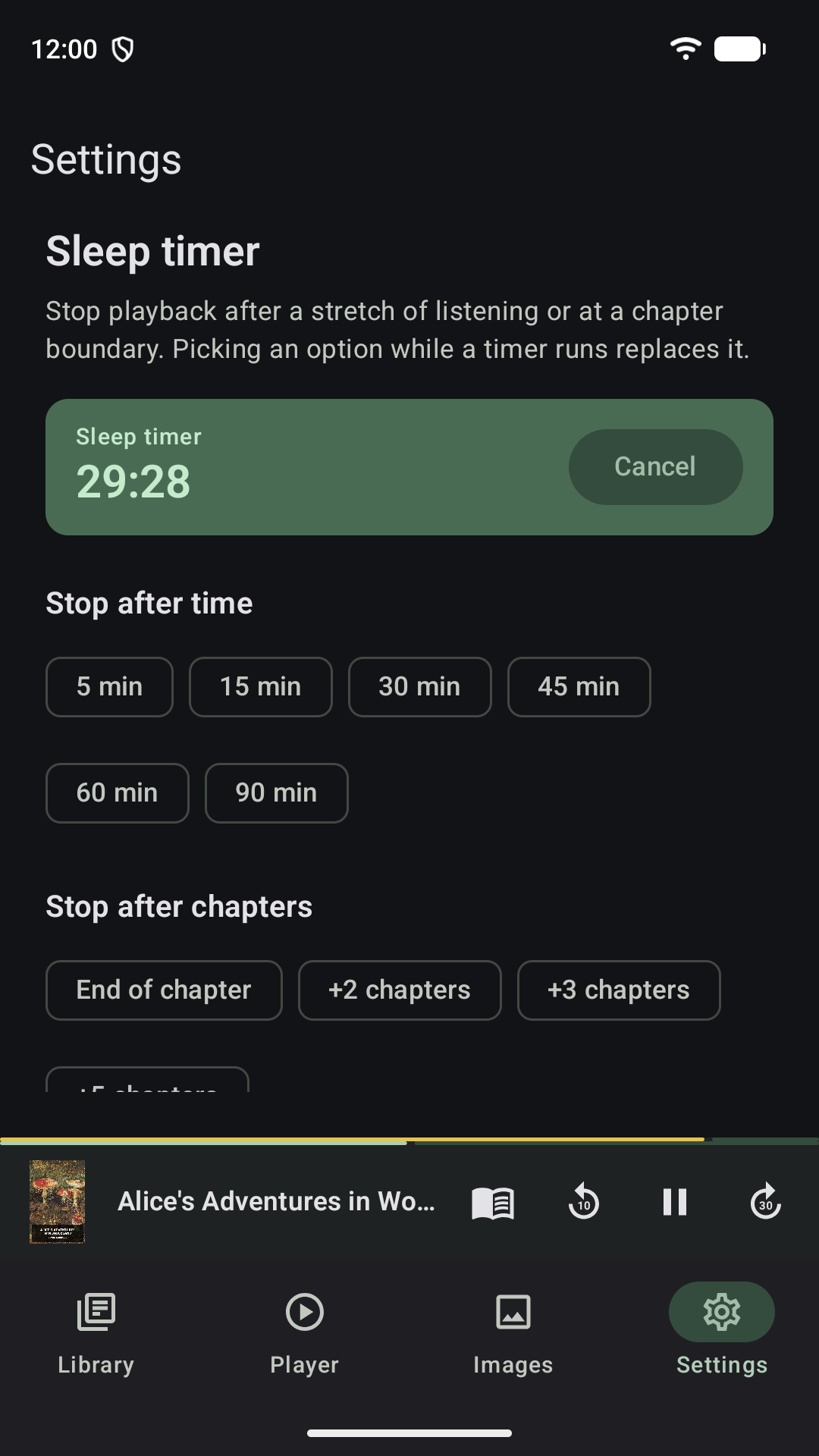
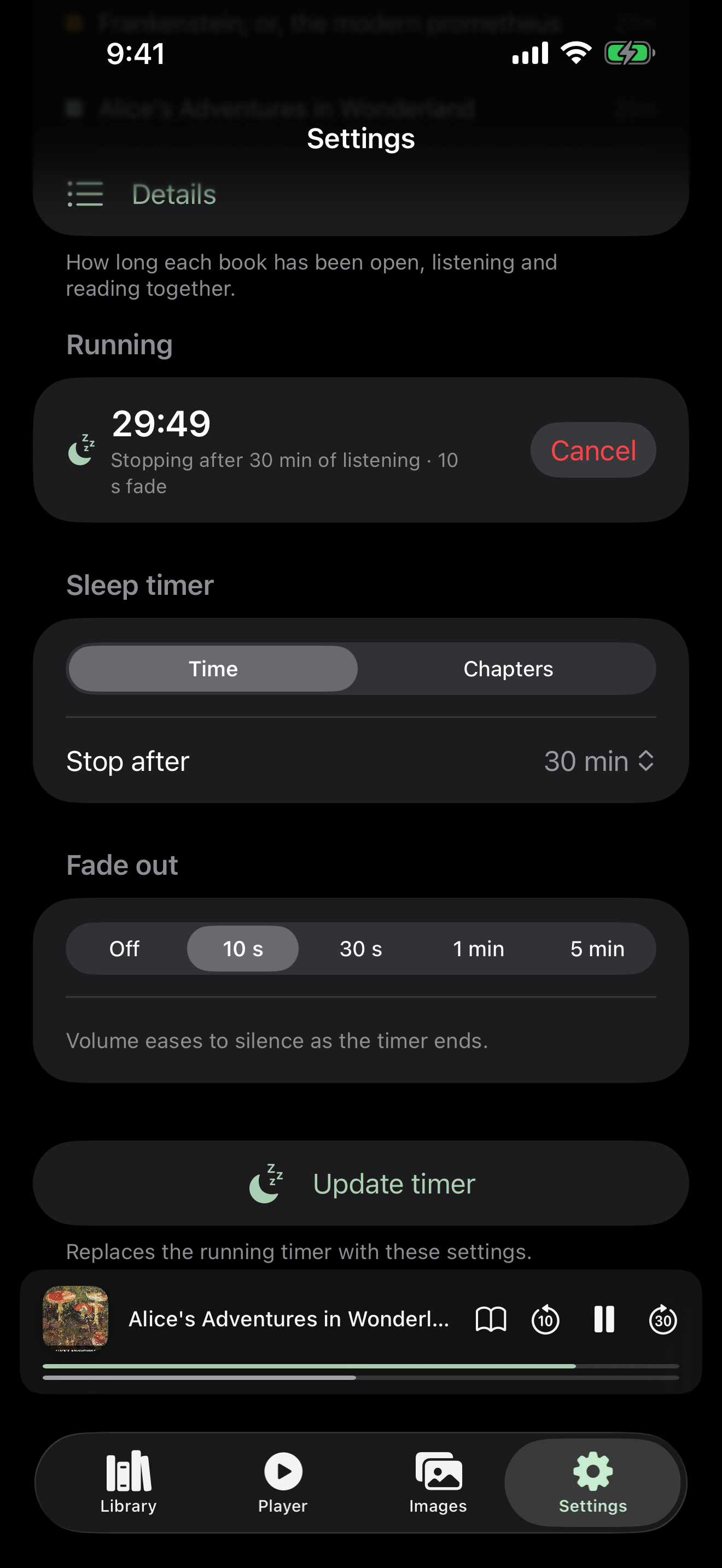
The Timer tab is gone on both platforms. The sleep timer now sits in Settings under the new chart — four tabs instead of five, and the settings that were split across tabs sit together.
😴
Change a running timer
iOS The setup controls stay on screen while a timer runs and start from what is armed: pick new values and tap Update timer to replace it, instead of cancelling and starting over — which is how the Android chips have always behaved.
🎨
A new look
The Athenaeum palette and a new icon, shared across the Android app, the iPhone app and this site. Material You theming from the wallpaper is still there behind a flag, but the shared identity is what ships.
🛠️
Fixes
Android the reader could lose sync with the narration when a page turned as it opened, and player controls could be pushed off a short screen. iOS the mini-player no longer covers the Update button, and the iPad library shows four large covers per row instead of six thin ones.
 Android
 iPhone & iPad